install.packages(c("ds4psy", "lintr", "usethis", "devtools","roxygen2"))Part 1
13.05.2026
All materials for the workshop (slides, scripts, references) can be found on this website:
http://www.johannesfeldhege.de/peergroup_workshop/
It is hosted on Github with a permissive license so you can use them however you want.
To get the most out of this workshop, it is recommended to:
Install recent versions of and RStudio
Install the following packages: ds4psy, usethis, devtools, roxygen2, lintr. They can be installed using the following code:
| Time | Content |
|---|---|
| 13:00 - 14:30 | Part 1: Reproducible environments, code styling |
| 14:30 - 14:45 | Break |
| 14:45 - 17:00 | Part 2: Literate programming, package development |
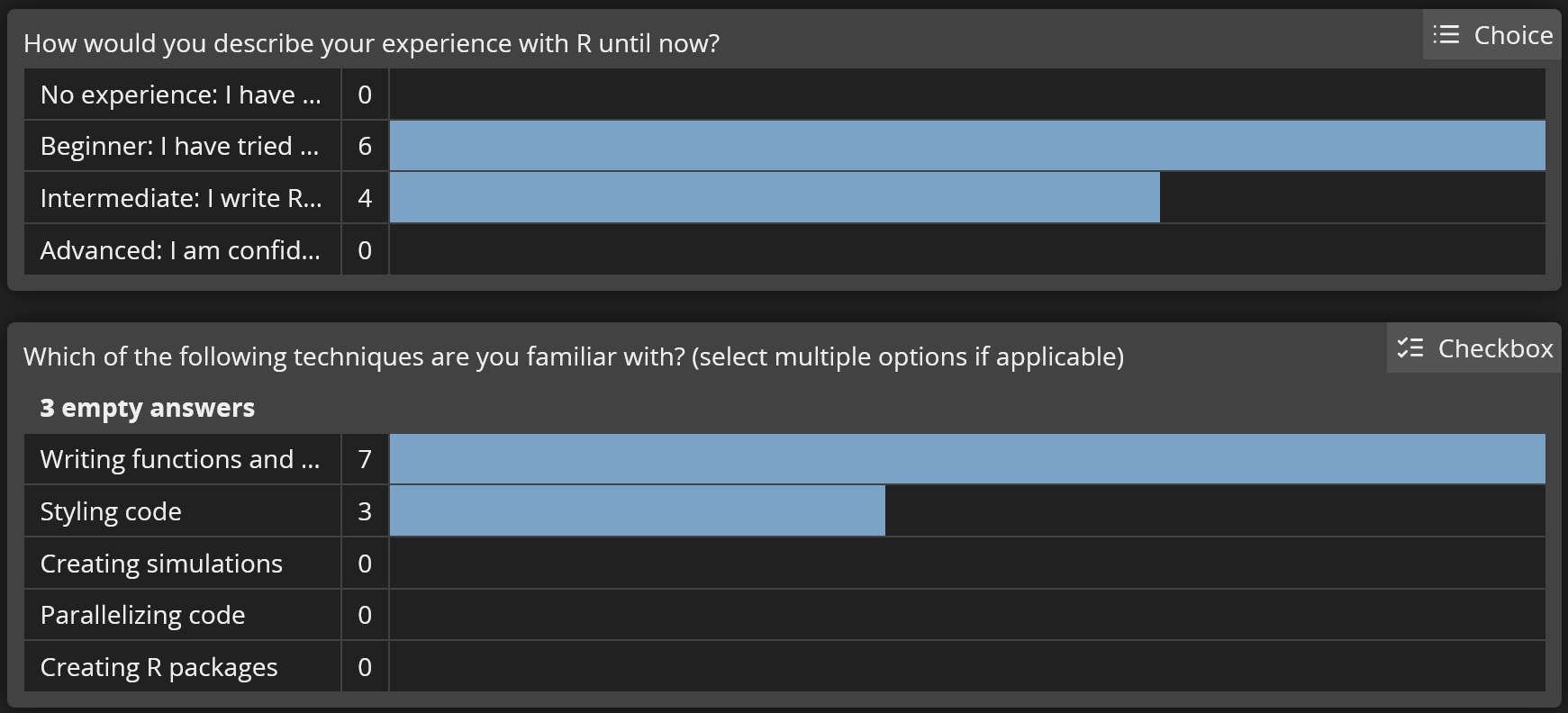
openholidaysR and I am currently working on a second oneExperience with R
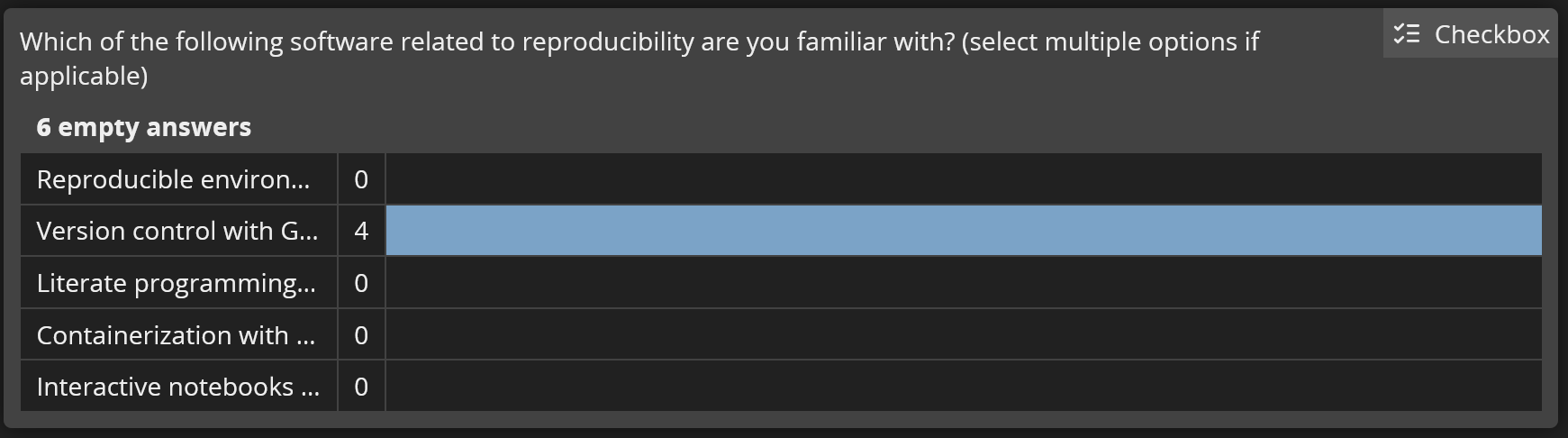
Experience with reproducibility tools
Comments
Todayβs workshop will cover these topics:
Code is written once but read many times.
Therefore, we should strive to improve the readibility of our code.
Three measures you can take towards this goal:
Naming things is hard - so hard that books are written about it:
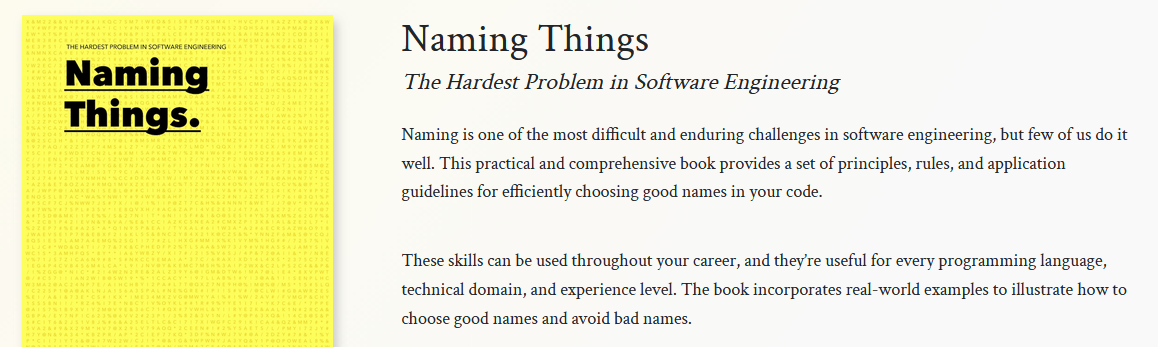
A good name should be
Some commonly used conventions:
xnew_datanewnewdatalrmflogistic_regression_model_fit_resultThe convention for functions in the tidyverse, a collection of related packages, is to start a function name with a verb, so do() or do_thing().
Examples:
#| eval: false
#Good
add_value()
#Bad
value_add()
value()More style guidelines can be found in the tidyverse style guide
lintr
lintr is a package for static code analysis on your R files.
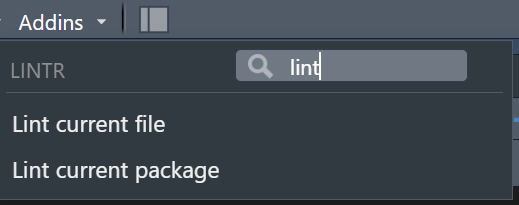
Basic usage:
lintr
lintr comes with defaults.
These can be modified, deactivated, or you can define your own set.
You can also add your own linters.
lintr
lintr gives recommendations but leaves it up to you to make changes in the code.
These tools can style your code by changing the code when executed:

Warning
Caution: these tools change your code without asking!
A helpful comment explains the why, not the what or how.
If you find yourself commenting what the code is doing, the code might need to be re-written so that it speaks for itself.
Comments should be used sparingly, acting as an alert for the reader.
Too many comments will be ignored by the reader.
If you find yourself commenting a lot, there might be better alternatives:
roxygen2
There, detailed comments on what your code is doing for what reason are encouraged.
Both aspects will be covered in the second part of the workshop.
I have to re-run an analysis a few years down the lineβ¦
My colleague wants to build on my analysis in a new studyβ¦
I want to publish the code used in my study together with the manuscript so others can review or test itβ¦
A study is reproducible if it can be
Reproducibility =/= Replication
However, open methods and data are essential aspects for both.
Openly shared methods and data become valuable when we are given the same tools to work with as the authors.
We will look at these reproducibility measures today:
Outlook for advanced functionalities:
Can I run my analysis tomorrow with the same results as today? Have I included all steps in my code?
for a fresh start:
Session Restart
or
Control + Shift + F10
Make restarting R periodically a habit!
Do not rely on .RData to bail you out. Either save interim datasets to files or write your script in a way that lets you start from scratch every time.
Two alternatives:
Change the RStudio options:
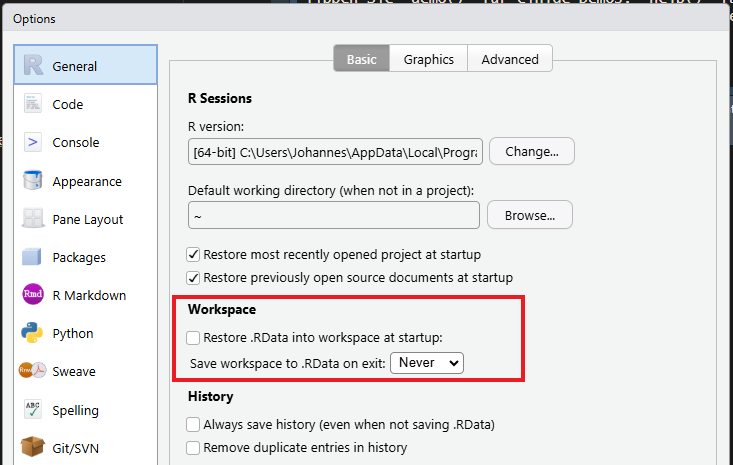
Use this function from the usethis package:
usethis::use_blank_slate()Sharing your code and data is one step in the right direction.
To guarantee that others can apply them on their machine, you need to be able to share your computational environment.
What is the computational environment:
renv packagerenv controls in the computational environment:
renv packageIt records the actively used packages and freezes their version in your project in a project-specific library.
This way, your project becomes portable as you can use it on another computer and reproducible as you can share it with a colleague.
bonus: the project is not affected by changing functionality or breaking changes in packages across versions.
A library is the place where packages are installed. To check where your library is located, run .libPaths().
In a regular setup, all projects write to the same library. Therefore, packages can become out of sync with the projects that they have been used in.
renv
Using renv, each project has its own library. When a new package is installed, it is also written to a global package cache. The next time it is needed in a project, it is taken from there instead of downloading it again.
renv functions| Task | function |
|---|---|
Initialise renv
|
renv::init() |
Get renv status |
renv::status() |
| Install new package | renv::install() |
| Update project library | renv::snapshot() |
| Restore project library | renv::restore() |
renv with renv::init()
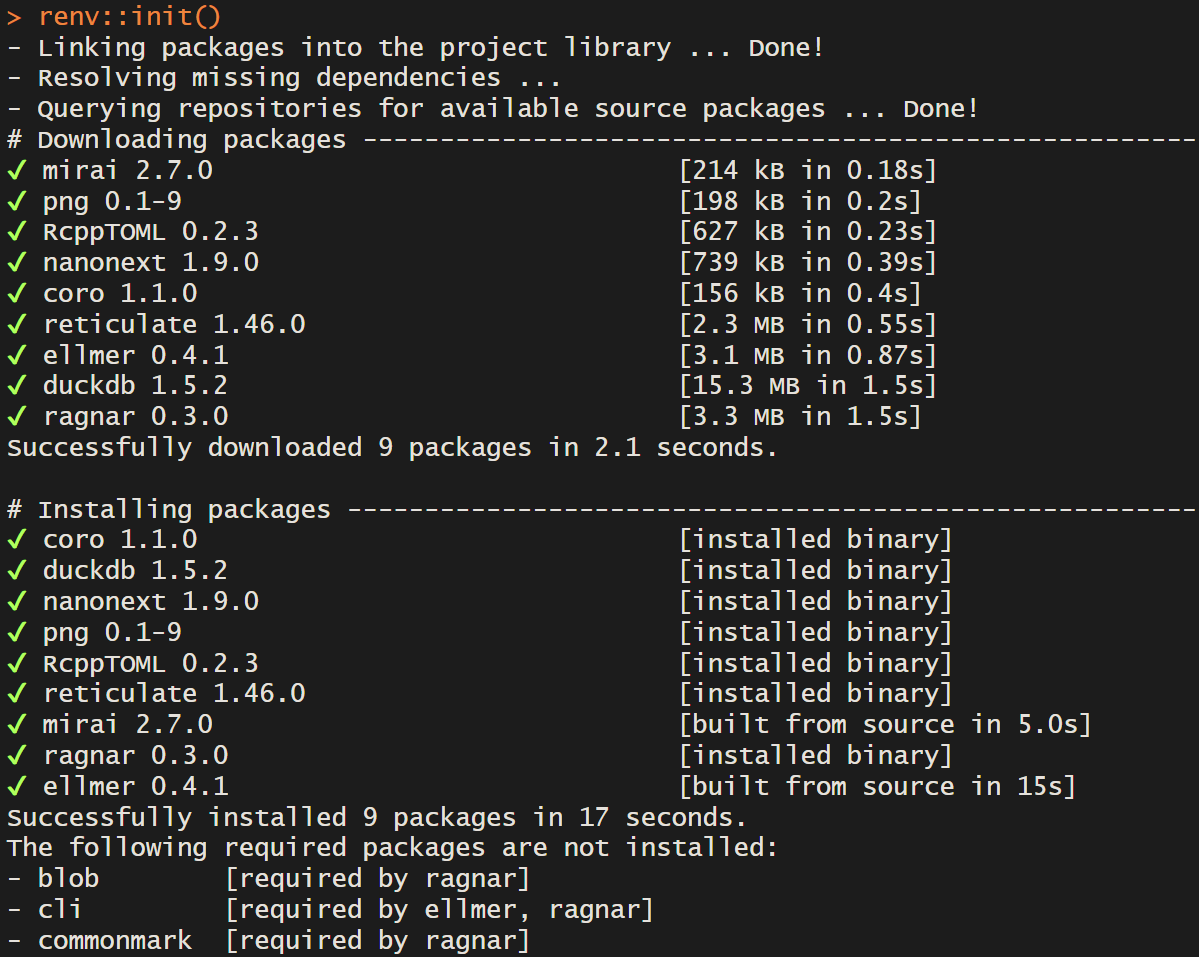
Console output after renv::init()
renv
The following project files are created by renv::init()
.
βββ .Rprofile # Project-specific profile, activates renv
β
βββ renv/
β βββ .gitignore # Specify which files should be ignored by git
β βββ activate.R # R script to launch renv
β βββ staging/ # Temporary library when building packages
β βββ settings.json # renv settings
β
βββ renv.lock # the lockfile, containing package metadata
renv
Reproducibility can be achieved with the functions renv::snapshot() & renv::restore()
renv in the project with renv::init()
renv::install()
renv::snapshot()
renv::restore()renv::install()
renv::snapshot()renv in a RStudio projec with renv::init()
renv::status
renv::install()
renv::snapshot()